Can AI Lip-Sync a Song From One Photo? What to Check
 Tiny Desk AI Team
Can one photo become a singing video? Learn how portrait animation, reference audio and the final soundtrack differ, and how to check lip-sync timing.
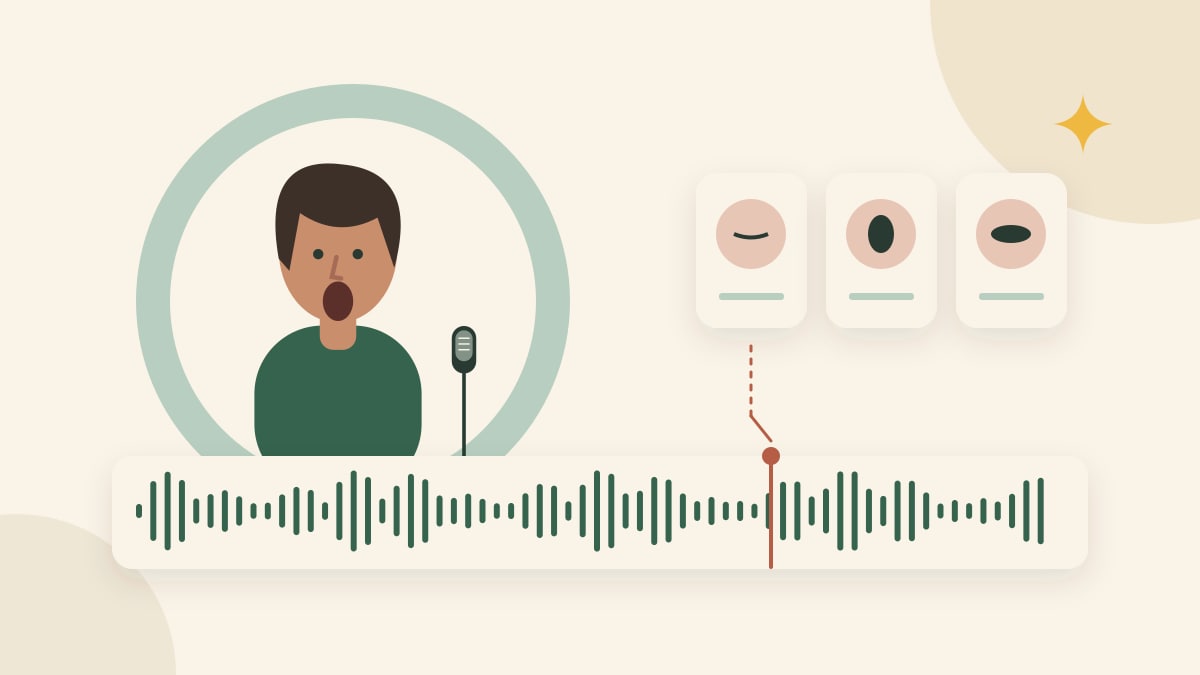
Some audio-driven AI systems can animate a pictured person to a recording. That does not mean every image-to-video model can sing to your chosen song, or that adding a song after generation creates synchronized mouth movements.
The MultiTalk research repository describes a workflow using a reference image, audio and a prompt, including singing examples. This illustrates a technical approach, not a feature integration or measured result in our product.
Our status as of October 29, 2026: the real generation workflow has produced completed videos and uses configured reference audio and a final soundtrack. That does not establish measured mouth-to-audio accuracy. Review the public examples and check each result yourself.
Music, generated audio and lip-sync are different
A video can contain a music track even when its singer is silent, singing a different phrase or moving out of time. File validation can confirm an audio stream exists. It cannot establish that the mouth follows the words.
A model's “generate audio” setting asks for sound. An audio-reference input supplies a performance timeline. Post-production mixing places an audio track into the finished file. Those three operations may be part of a workflow, but none should be treated as interchangeable evidence.
What does the reference soundtrack do here?
For eligible real tasks with audio and the reference soundtrack enabled, the implemented workflow prepares a segment of the configured track from its beginning, provides it as reference audio, and asks for synchronized performance. Post-processing uses the corresponding source segment as the final soundtrack. Longer requested segments can repeat the source track.
That setup is an attempt to align generation and output audio; it is not proof that a model interprets the reference correctly. Replacing a soundtrack afterwards does not retime the singer's mouth. The public form does not currently offer arbitrary song uploads or a custom-lyrics service.
Disabling the reference soundtrack changes that setup. Do not assume a video generated with model audio will sing the same song as one made with a supplied reference. Check the actual settings and result.
Prepare a test that you can judge
Use a short recording you have permission to process. Pick a passage with an audible entrance, a pause and a few distinct syllables. Keep the same audio segment when comparing attempts. A clear vocal reference can make timing easier for you to judge; it does not guarantee a particular model's result.
For a live tool that supports your recording, confirm the accepted format, duration and reference rules before submitting. A general audio feature or research demonstration is not proof that a specific hosted endpoint accepts your file.
Review the downloaded clip in two passes
First listen and watch at normal speed. Does the singer begin when the vocal begins? Does the mouth stop during a pause? Are obvious vocal changes accompanied by plausible movement? Does the soundtrack match the intended segment?
Then inspect a few timestamps more closely. Record examples of early or late movement and moments where the face changes. Playback latency can confuse the judgment, so compare the actual downloaded file in a reliable player before declaring a synchronization error.
Review the band separately. A singer appearing in time does not prove the drummer or keyboard player follows the recording. Nor does a convincing musical scene establish that a generated voice is the uploaded person's own voice.
What we can and cannot claim
The current workflow uses reference audio and a final soundtrack. You can review individual video examples, but we do not claim a measured lip-sync accuracy rate, support for any song or verified voice cloning.
If you need reliable performance timing immediately, consider recording the performance yourself and using editing for the scene treatment. Evaluate any synthetic alternative against your actual clip rather than a marketing sample. For complementary checks, read face consistency, workflow choices, and the current generator tutorial.