Tiny Desk AI Generators: Template Sites vs General Video Tools
 Tiny Desk AI Team
Compare template-based, reference-image and audio-driven concert workflows by inputs, control and review needs, without an untested best-tool ranking.
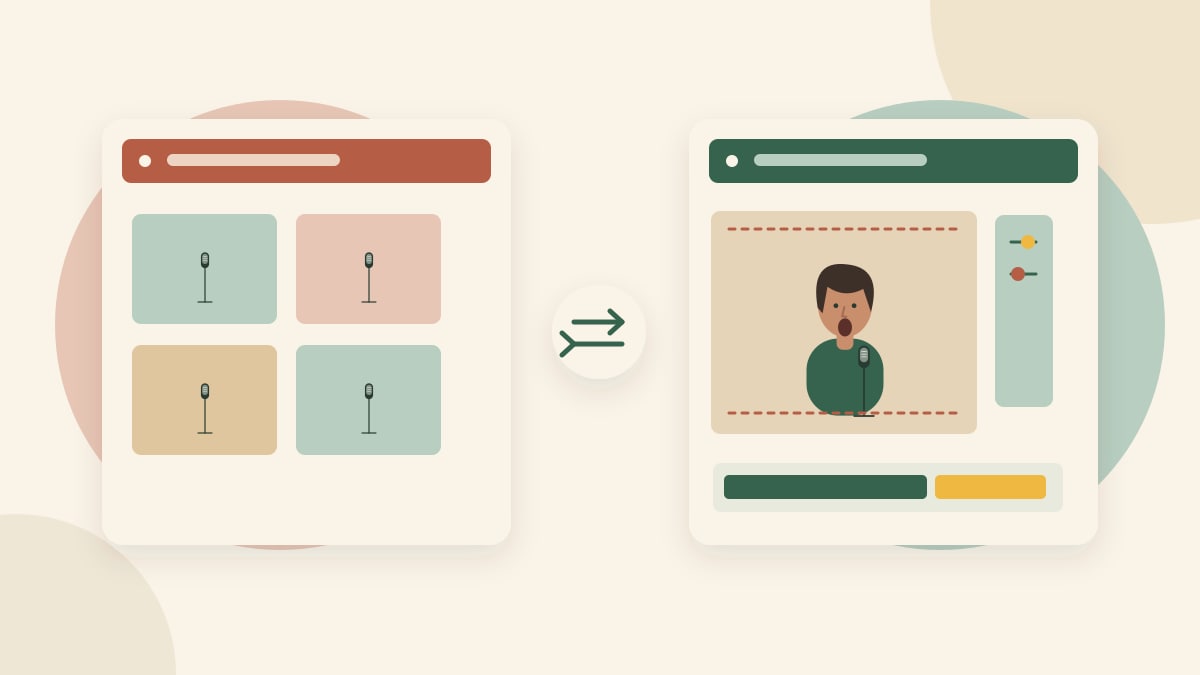
The most useful Tiny Desk AI generator depends on the job: reproducing a familiar template, creating an original band scene, or animating a singer to a recording. These tasks should not share a single “best tool” ranking.
Disclosure: we develop Tiny Desk AI Video Generator. This is a workflow-selection guide, not a paid competitor benchmark. Our public generator uses a fixed Seedance 2.0 Fast workflow; the video examples are individual results, not an identity or singing-quality benchmark.
1. Template-based performance tools
A template-oriented tool starts with a particular concert format and asks for portraits or role assignments. It may be convenient when you want that exact sequence, cast arrangement and soundtrack.
Ask to see the output from a real portrait, how roles are assigned, and which parts can change. Check whether the sample is an actual generated video or a scene illustration. A title mentioning a trend does not prove that the service recreates the version you saw.
This route is a poor fit if you need a different song or camera sequence but the template does not allow either. Confirm those requirements before buying credits.
2. Reference-image video workflows
This route starts with a scene and person references, then uses a video model to interpret a performance brief. It can be a candidate for an original room and new composition, but control and consistency need testing.
Separate still-image guidance from video capability. For example, Runway's Gen-4 Image References guide describes creating images from references. An image-reference feature alone does not establish singing or audio synchronization.
Check which reference types the chosen video model actually accepts. Do not assume that every model on a platform supports the same image, audio, duration or camera controls. Additional references may serve different purposes, such as identity and setting, rather than multiple performers.
3. Audio-driven portrait animation
Here the central input is a recording that should drive a pictured person's mouth and movement. This is a candidate when singing to a specific audio timeline matters more than recreating a multi-shot template.
The OmniHuman research project demonstrates image-and-audio human animation. Research examples establish what that project demonstrates, not access, pricing or equivalent performance in our product. A product using a related model still needs its own tests.
A good vocal close-up also does not prove that background musicians play the right notes. Review the lead, band and soundtrack separately.
A checklist for comparing actual results
Use one authorized portrait and a short audio segment you have permission to process. Keep the intended shot and duration comparable where supported. Record the date, model, settings, attempts, cost shown at submission and reasons for rejecting an output.
Inspect identity at several moments, mouth timing, hands, background continuity, audio and the downloaded file. Note whether each tool created the whole scene or only animated a prepared image. Do not rank one workflow against another for a task it was not designed to perform.
A useful review includes failed attempts and states which services were actually tested. Without that evidence, call it a selection guide rather than a benchmark. We have not performed that cross-service test.
Where our current product fits
The intended live workflow uses a concert scene plus a lead portrait, with an optional configured reference soundtrack. The public form currently takes one person. It does not offer arbitrary song uploads or a public multi-person mode. Provider and scene approval remain necessary for real rendering.
Use the one-photo tutorial for current operation and the free-versus-paid guide for cost distinctions. For review criteria, continue with face changes and lip-sync.