How to Make a Tiny Desk AI Video From One Photo
 Tiny Desk AI Team
Learn how to make a Tiny Desk AI video from one photo: choose a scene, sign in, buy credits and download a 15-second, 720p concert MP4.
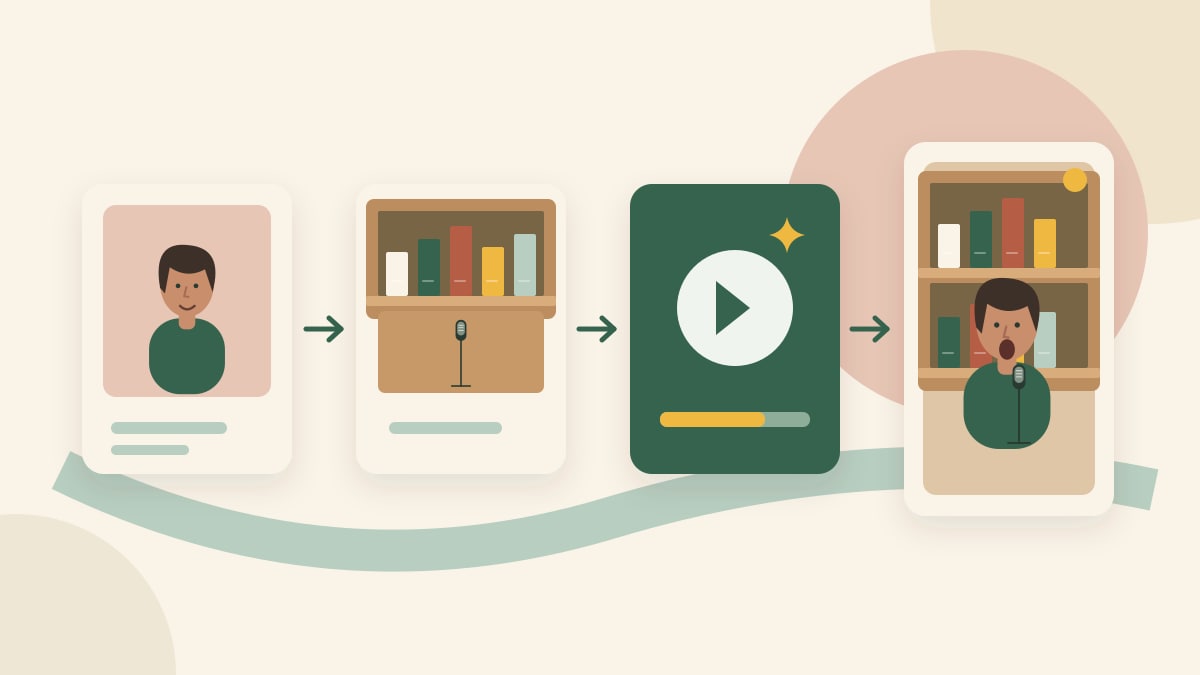
Create a Tiny Desk AI video by uploading one clear portrait, choosing a concert scene, signing in and using credits to generate your performance. The current generator uses Seedance 2.0 Fast and produces 15-second, 720p, vertical 9:16 videos. Start with the homepage generator.
1. Prepare one clear portrait
Use a photo of yourself or an adult who has agreed to appear. Keep the face clearly visible and evenly lit. Avoid collages, heavy filters and photos with several possible lead singers. The upload accepts JPG, PNG and WebP files up to 10 MB.
The public form takes one lead-performer portrait. A scene supplies the room and band composition; your photo supplies the lead performer's appearance. For input advice, see why faces change in AI singing videos.
2. Upload your photo and choose a scene
Open the creation page, select Upload Image and choose your portrait. Scroll through the scene cards to select the concert atmosphere. You can remove or replace your photo before generating.
You do not need to choose a model or write a prompt. Seedance 2.0 Fast, the 15-second length, 720p resolution and vertical 9:16 format are fixed in the current public workflow. Scene prompts and reference music are configured by the service.
3. Sign in and check your credits
Click Generate video. If you are signed out, the generator opens a sign-in dialog. If your balance is too low, it opens the credit-pack dialog. Buying a pack does not automatically submit the video; return to the generator and click Generate video when ready.
One video uses 10 credits. The one-time packs provide 1 video for $9.90, 3 for $19.90 or 5 for $29.90. Check the pricing page for current offers. Watching the public examples does not provide free personal generation; see free previews versus paid videos.
Confirm that you have permission to use the portrait, then submit once. A background task processes the request. Check the existing task if it is still processing instead of repeatedly submitting. Confirmed failures return reserved credits; uncertain provider outcomes may require review.
4. Review and download your video
Open My Videos to check the task, play the completed video and download the MP4. Private media links require your account and expire; refresh the page to obtain a new link when needed.
Watch the public video examples before purchasing. For your own result, compare the face at the beginning, middle and end, listen to the soundtrack and inspect the hands, instruments and mouth timing. Examples demonstrate individual outputs; they do not guarantee identical results or measured lip-sync accuracy. Read the lip-sync guide for a review checklist.
Before sharing
Share material you have permission to use and review the destination platform's AI-content requirements. Do not describe an AI result as an official NPR appearance. A video download does not grant commercial rights to a recording. See the privacy policy for photo processing and retention details.
To understand the format, read What is Tiny Desk AI?. For creative planning, use the scene and prompt checklist.