Plan a Tiny Desk-Style Scene: Photos, Framing and Prompts
 Tiny Desk AI Team
Design an original desk-concert scene and write a focused performance brief before using a generator. A saved concept is not a rendered video.
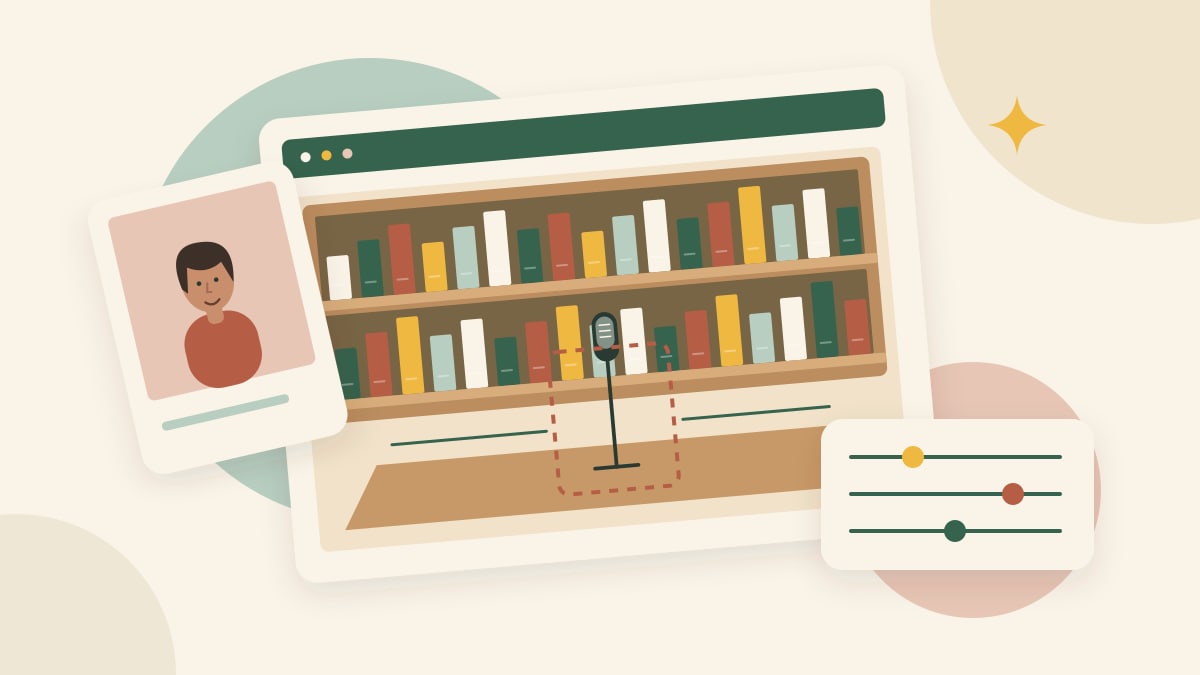
Before generating a concert clip, decide what the room, lead singer and camera should do. This guide is a planning worksheet, separate from the upload-to-download tutorial. A prompt or a saved concept describes an idea; it does not render a performance.
Give the lead singer a clear place
Plan a small, original room with a desk, bookshelves, warm lamps and a compact band. Leave a clear foreground space for the lead. Avoid a composition where another person already occupies the intended position or a microphone hides most of the face.
Specify a few important details rather than competing instructions: the room, the lead position and the main instrument arrangement. The site's scene illustrations can help you choose an atmosphere, but they are not approved real output examples. Real scene availability depends on the current generator status.
Separate portrait, scene and sound
The portrait tells the model who the lead should resemble. The scene reference describes where the performance happens. The audio reference, when supported, provides a timeline for the performance. One input cannot establish all three.
Prepare one clear, authorized portrait for the current public form. Do not combine several angles into a collage or upload other people's faces as optional bandmates: the public interface currently accepts one lead portrait. Additional reference formats in other tools should be checked against their own instructions.
For music, decide whether you need your own recording or can use a supplied track. Our reference soundtrack setting uses the configured site track; it is not a custom song upload. Audio synchronization needs separate review.
Write one manageable action
A performance brief can describe gentle movement and one camera setup. Here is an original example to adapt for a compatible tool, not a verified recipe for this site's live model:
Place the authorized person from the portrait in the clear foreground of an original bookshelf concert room. Keep their appearance recognizable. A small band plays behind them. Use a steady eye-level medium shot, warm room lighting and restrained rhythmic movement. Keep the room and cast consistent throughout the shot. Do not add titles or logos.
The example does not supply lyrics, music or proven lip-sync. Reference syntax and available controls differ by provider. If you use the generator's advanced prompt field, first read its supplied prompt and change one requirement at a time. A request to preserve a face is an instruction, not a guarantee.
Choose framing for the actual destination
A vertical composition may suit a phone feed; a wider shot can give the band more space. Choose from the selected model's available options, and leave room around the head and microphone. Cropping later can hide a face or remove a musician, so plan the intended crop before generating.
Test a simple composition before requesting several actions or cuts. For face concerns, use the identity review checklist.
Keep notes you can compare
Record the scene, portrait, prompt, model, duration, framing, audio setting and any seed. When comparing two attempts, change one setting and inspect the same moments in each video. A fixed seed is useful metadata, not a promise of identical generation.
The public generator uses preconfigured scene prompts and a fixed video format. This checklist helps plan a concert concept; it is not an instruction to change controls that the generator does not offer. Follow the generator walkthrough to create a video.
Reviewed October 29, 2026. This independent project is not affiliated with NPR or Tiny Desk Concerts.