What Is Tiny Desk AI? The Concert Video Trend Explained
 Tiny Desk AI Team
Learn what Tiny Desk AI means, how the Outstanding concert-video trend works, and how photo-to-concert generators differ from existing performance templates.
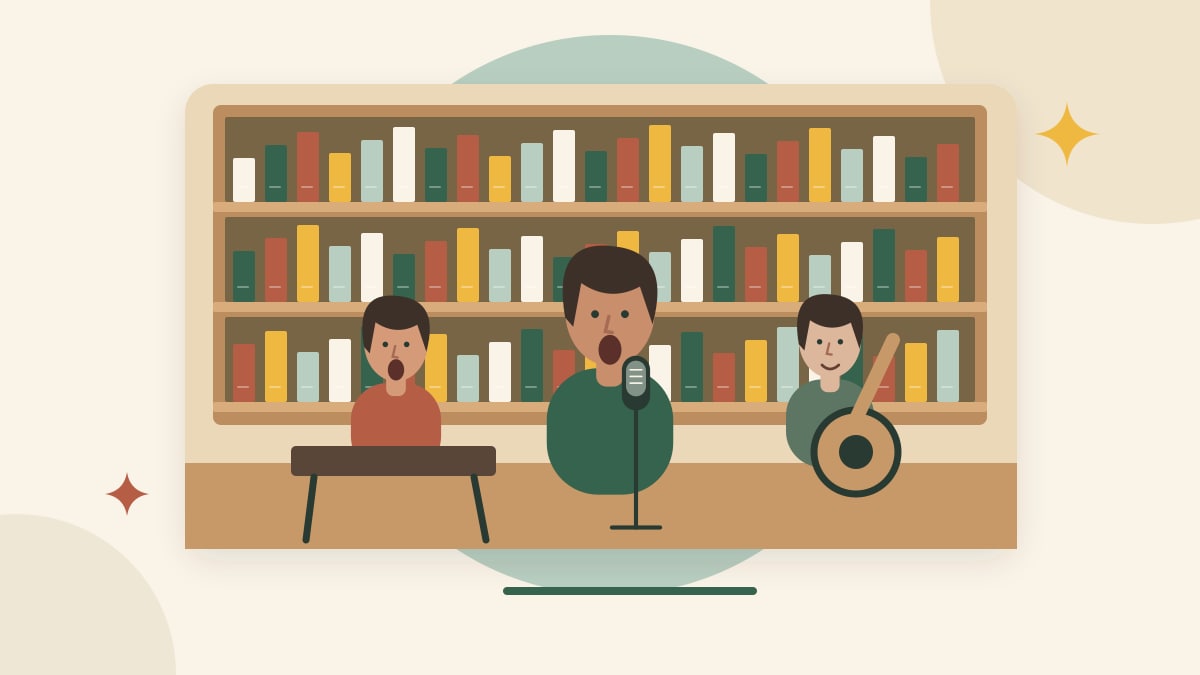
Tiny Desk AI is a search term for AI-made videos that place a person in an intimate office concert: bookshelves, a desk, microphones and a small band. It can refer to different tools and workflows, not a single official product.
If you saw someone apparently singing in a tiny room with a band behind them, this may be the style you are looking for. A similar-looking clip could also be a real performance. Appearance alone does not identify how it was made.
Why do people mention Outstanding?
Some searches use the phrase “Outstanding Tiny Desk AI.” Charlie Wilson's official performance announcement confirms that his NPR Tiny Desk set includes The Gap Band's “Outstanding.” That identifies a musical reference; it does not establish the origin or popularity of every AI version.
We have not verified a complete timeline of the social-media trend. We do not present view counts, a first creator or a viral-growth claim as established facts. Our independent tool is not affiliated with NPR, Tiny Desk Concerts, Charlie Wilson or The Gap Band.
A familiar meme template and an original concert are different
A template workflow may aim to recreate a particular performance's sequence and soundtrack with a new cast. An original concert workflow aims to generate a new room, performer and musical scene. A photo-animation workflow may focus on the singer alone, with a background added separately.
These are different creative tasks. Before choosing a tool, ask whether you want an exact template, your own song, a new band scene, or simply a photo that sings. Check a real sample matching that task rather than assuming every product using the same search phrase delivers the same result. Our workflow comparison explains what to look for.
What creates the desk-concert look?
The scene usually feels close and lived-in: shelves of records, practical lamps, visible instruments and a performer near the camera. You can plan an original version with a clear foreground space for the lead and a quiet camera composition.
A convincing room does not establish identity preservation, singing ability or audio synchronization. Treat those as separate checks. Scene cards illustrate the room composition; finished-video examples appear in a separate section. Use the scene planning guide to turn the visual idea into a brief.
What can you try on this site today?
Our generator takes one lead portrait and uses Seedance 2.0 Fast to create a 15-second, 720p, 9:16 concert video. Sign in and buy credits before submitting; completed MP4s are available under My Videos.
Watch the public video examples and read the current prices before buying. Scene images help select the setting; they do not show a result from your own portrait. This public workflow takes one performer photo.
What should you check before trying a generator?
Look for a dated example with its input photo, a clear account of whether music is generated or supplied, download conditions, and an explanation of photo storage. Read costs before submitting. A free preview can be different from a downloadable AI render; see our free video guide.
For the actual steps, read How to make a Tiny Desk AI video from one photo. For quality questions, start with face changes and singing lip-sync.